Can you own your dealership website?
What owning a dealership website really involves, from the domain and DNS to redirects, forms and upkeep, and how to move without losing links or email.
At a glance
Yes. A dealership can own its content site outright while inventory, retail tools and lead routing stay where they work today. Owning it means owning the domain, the DNS zone, deployments, redirects, forms and disclosures, so decide who runs each of those before anything is canceled.
- Owning the site means running it, not only designing it.
- The content site is a few dozen pages. Inventory can stay on the platform that already serves it.
- Search engines and AI crawlers read the initial HTML, so the content has to be in it.
- Old URLs that still carry traffic need redirects you test with real requests after launch.
- The DNS zone carries mail and certificate records. Export it before anyone changes nameservers.
- Someone owns forms, analytics and privacy disclosures from the first day.
Most dealership websites arrive as a bundle. The site, the hosting, the inventory pages, the chat widget and the lead routing come from one provider on one invoice. Owning the website means taking one part of that bundle, usually the content site, and running it yourself or with a developer who answers to you.
This guide maps what changes hands, what can stay where it is, and how to move without breaking links or email. It comes from moving a dealer group’s site off its bundled vendor and running it since.
What do you actually own when you own the website?
You own the domain registration, the DNS zone, the code or templates that produce the pages, the place the pages are hosted, and the account that deploys new versions. You also own the jobs the vendor did quietly: keeping certificates valid, publishing a sitemap, setting canonical tags, answering form submissions and keeping the privacy policy current.
That is the real cost of ownership. The design is the visible part. The operations are the part nobody notices until a certificate lapses or a form stops delivering.
Separate the content site from inventory and retail tools
A dealership website is usually several products wearing one header. The content pages (about, service, financing, staff, directions, specials, guides) are a small set of documents. Inventory search and vehicle detail pages are a database view that changes every hour. Digital retail, trade-in tools and credit applications are separate applications with their own compliance obligations.
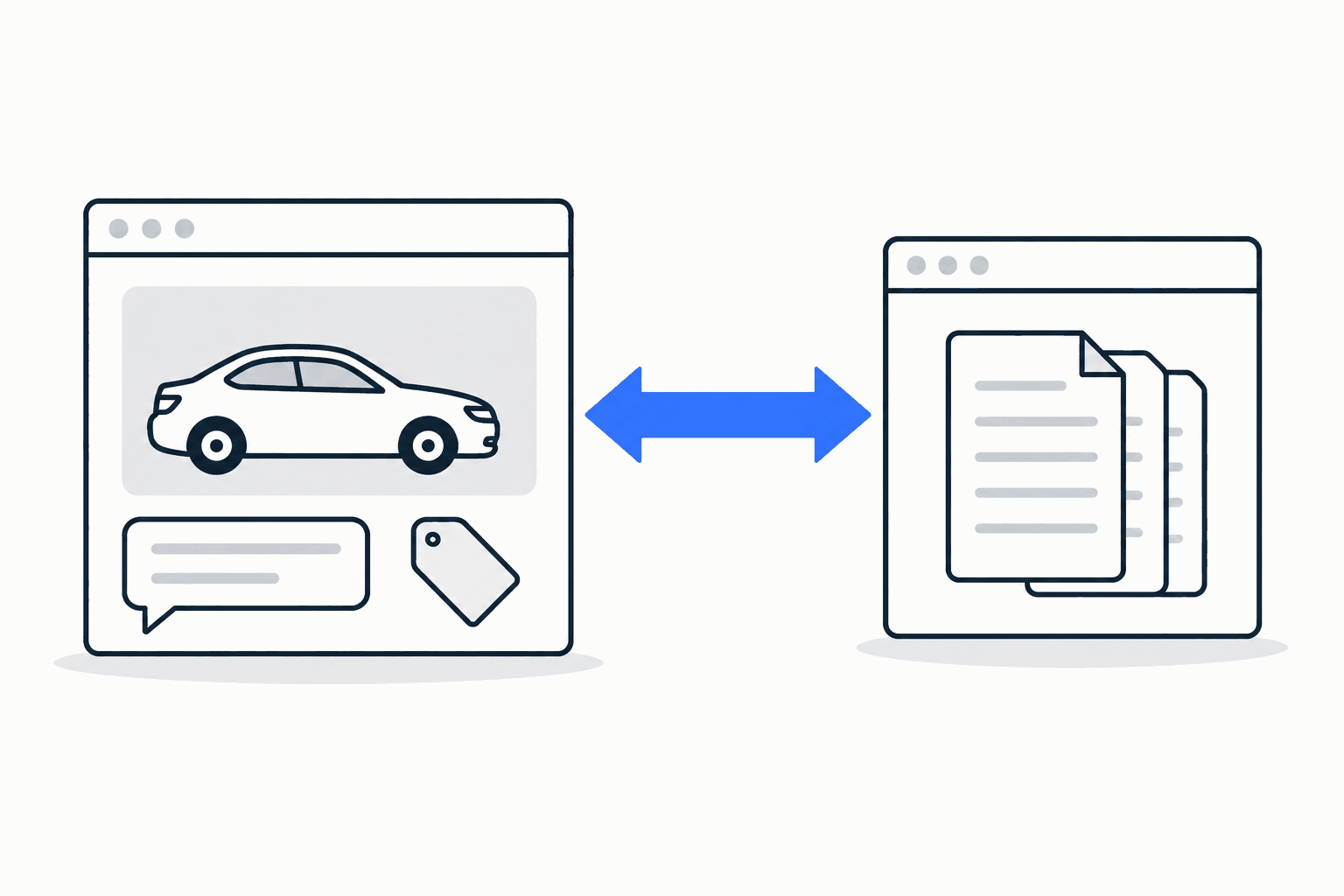
On the dealer group’s site we build and run, the content site moved and the old provider’s own inventory pages were retired. Inventory now lives on the retail platform that already ran on a subdomain of the same domain, and the header links out to it. That split made the rebuild a few dozen documents rather than a whole retail stack, and it kept the parts with the heaviest data and compliance load where they already worked.
Owning the content site does not require owning inventory. Decide that boundary first; every other decision depends on it.
What does the website vendor do today?
Before canceling anything, write down every job the current provider performs, whether or not it appears on the invoice. Typical items:
- hosting, certificates and the content delivery network;
- a generated sitemap, canonical tags and structured data;
- embedded tools: digital retail, chat, trade-in, 360-degree photos, accessibility overlays, privacy-request handling;
- analytics and advertising tags, and who owns the accounts behind them;
- lead forms and where each form’s submissions go;
- the privacy policy and the state-law disclosures: typically a California privacy notice and an opt-out link if you sell or share data, plus the financing privacy notice dealers that arrange credit already owe.
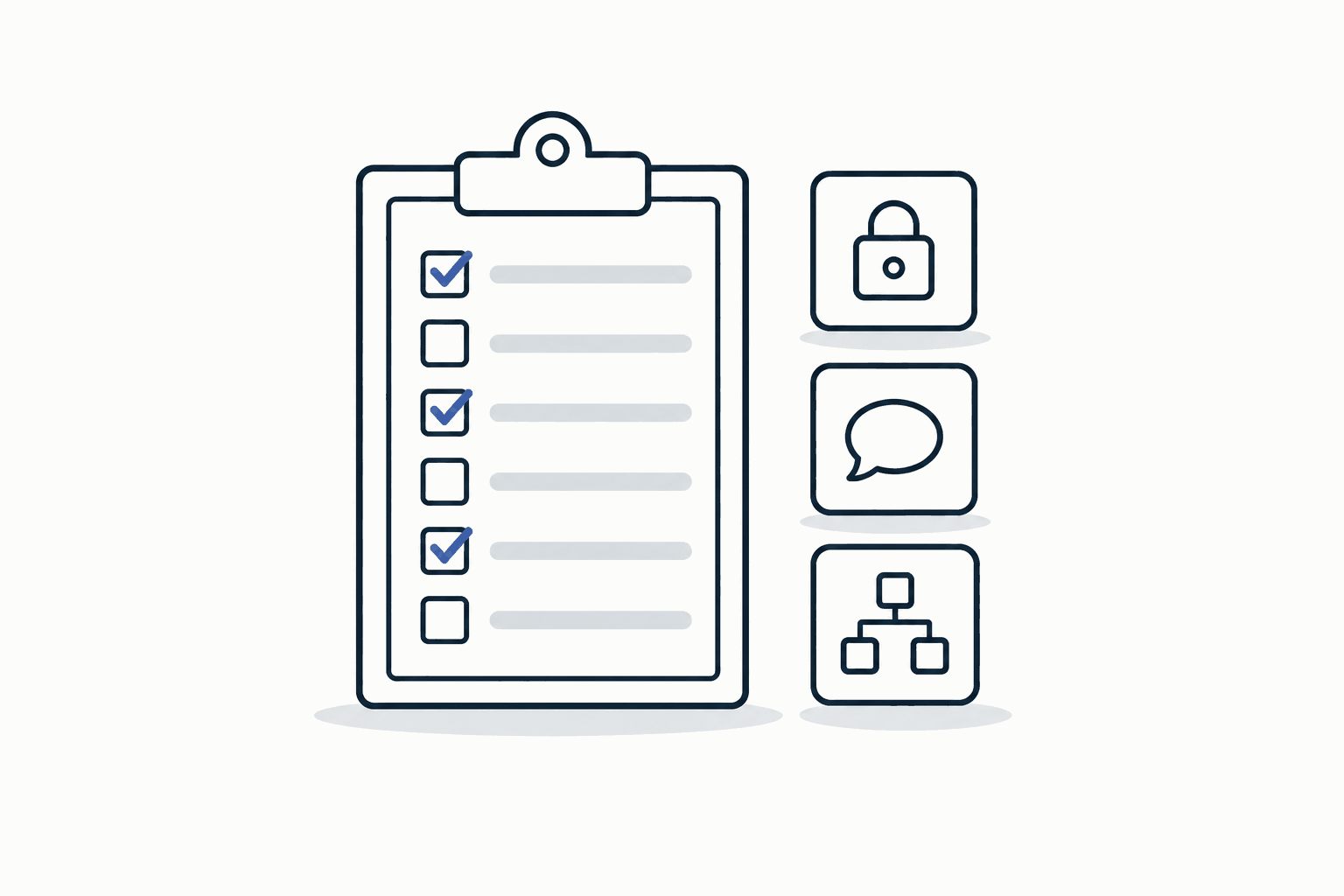
Make a replacement checklist before canceling anything
Turn that inventory into a checklist with three columns: the job, the replacement, and the person who owns it after the move. Some jobs disappear on purpose: an overlay you never wanted, a tag nobody reads. Some must be rebuilt. Some, like the analytics account, may not be yours to keep. A Google Analytics property can move to your account with its history, but only if the provider grants the access the move needs. If they won’t, you start a new property and the history stays behind.
Look for gaps in the checklist itself. On the site we run, the staging build ran for about a month with no privacy policy. The gap surfaced only while the redirect map was being written: the old policy was a provider-served page whose traffic sat below the cutoff for the list of pages to rebuild. Read every footer link on the old site before you call the checklist done, and follow each one through. A ported privacy policy can still send privacy requests to a portal the vendor hosts, which is a job you have not replaced yet.
How do you move without losing working links or email?
Two things break in a careless move: the URLs people and search engines already use, and the DNS records that carry mail and certificates. Both are recoverable, but only if you capture them before the switch.
Export and verify DNS
The registrar and the DNS host are often different companies, and the provider may run the DNS host for you. Ask for a full zone export before anyone touches nameservers. If you cannot get one, rebuild the zone by listing what resolves today: mail exchangers, SPF and DKIM records, verification records for other services, subdomains that point at retail tools, and any certificate validation records. Probing finds only the names you think to ask for. On the site we run, a second sweep found mail-signing and certificate records the first one missed.
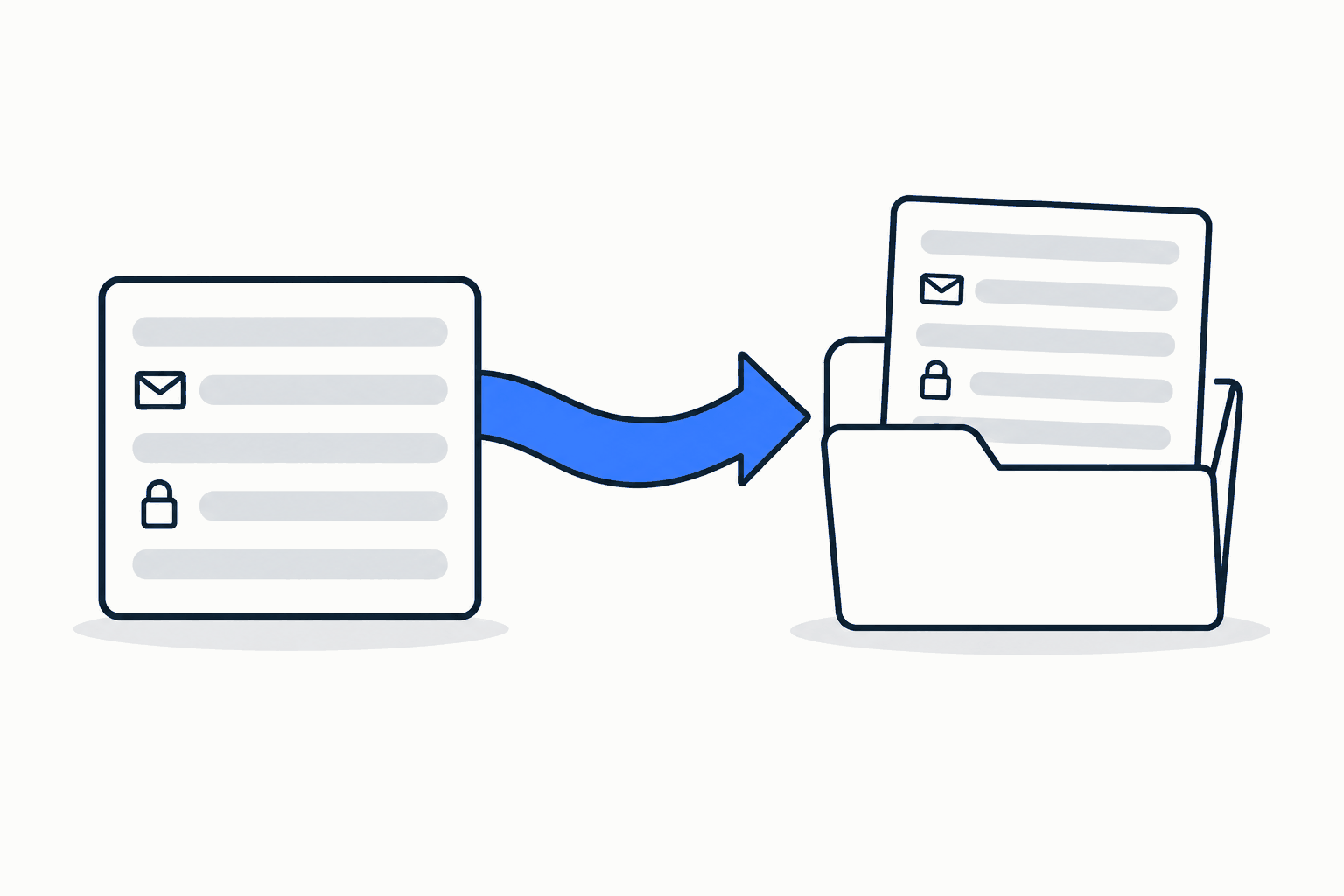
Move DNS control first and the site second. Recreate the zone at the new host with identical records while the old site keeps serving, then let the nameserver change settle. That change can take up to two days to reach every visitor, because the registry’s own record lifetime is outside your control. Once the new zone is live, lower the lifetimes on the site records at least as far ahead as their current value, and the site switch becomes a two-record edit. Rollback is the same edit in reverse.
Expect two things during the switch. Some visitors will still reach the old site for up to two days, so keep it serving through the notice period. And a certificate error may show for minutes to hours while the new certificate reaches the host’s edge. Keep certificate validation records in place after the move, and update them if the host issues new ones. Re-creating a custom domain can rotate its validation tokens, and a stale record breaks automatic renewal months later without any warning.
When you verify the switch, do it from a public resolver or by pinning the new host’s address. On the site we run, the first live check silently measured the old site through a VPN’s stale DNS.
Map old URLs and test the real redirect syntax
List every old URL that carries traffic, not just the ones in the old sitemap. Analytics and search-performance reports show paths no sitemap ever listed, along with trailing-slash and capitalization variants that still receive visits. Group them into redirect rules that send each old path to the closest new page with a permanent redirect, and check the order: the first matching rule wins, so a broad catch-all placed early can swallow live pages. Keep the rules in place for at least a year, and longer if old links still bring visits; that is Google’s own guidance for site moves.
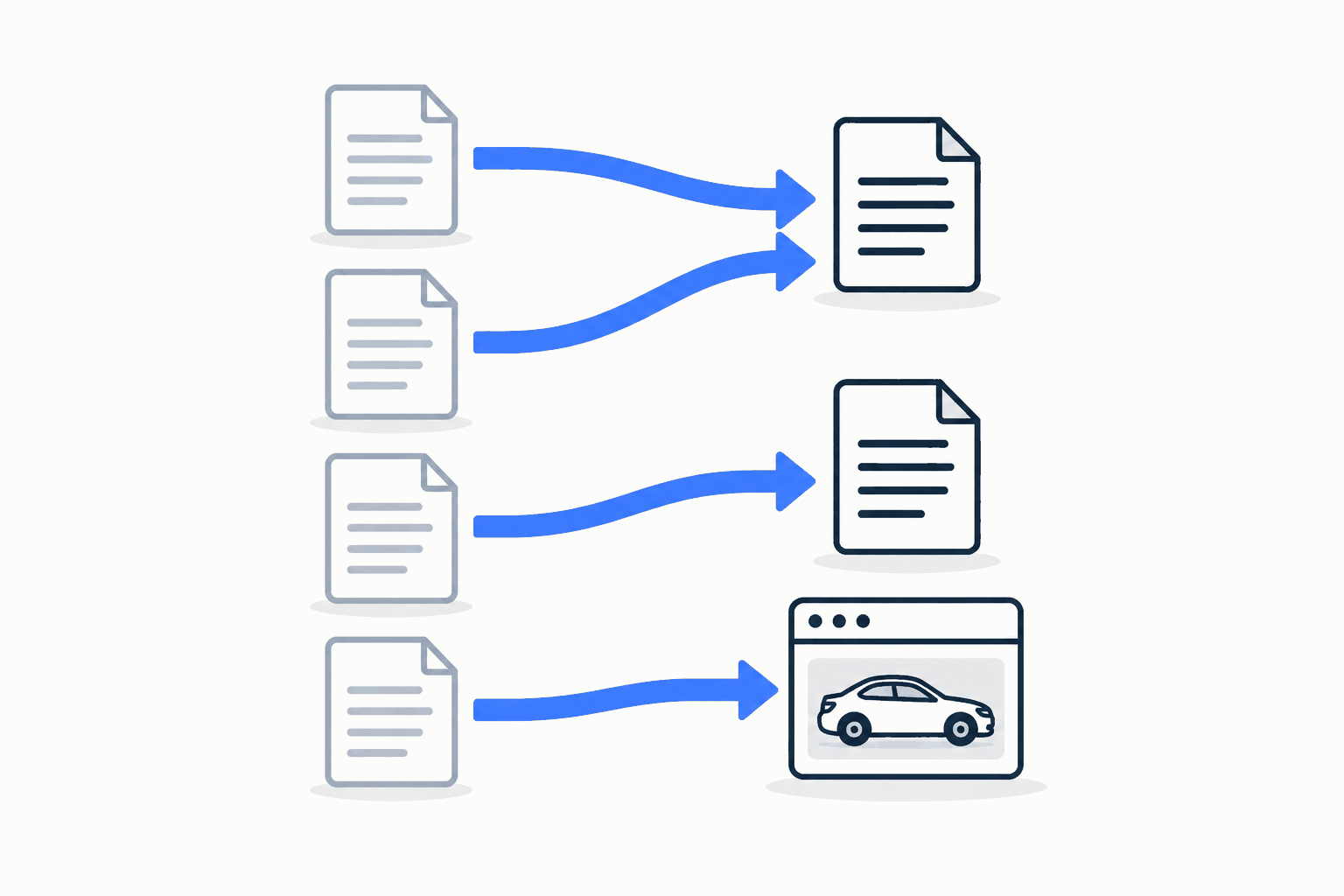
Test the rules on the actual host, and request every source after deployment, not a sample. On the site we run, one rule with a long list of alternatives passed every local test and silently never matched in production. The host documents no such limit. Ten spot checks on cutover night missed it, and the first search-console audit found it weeks later. Keep rule groups small.
Vehicle detail pages on the old site are a special case. Those URLs die when a car sells, and search engines treat a many-to-one redirect as a soft “not found”, so redirecting them one by one transfers nothing lasting. Send the old inventory paths to the inventory search with a couple of pattern rules, which keeps visitors and backlinks working, and spend the effort on content pages.
Who runs the site after launch?
Name a person for each recurring job. Ownership fails quietly when everyone assumes someone else is watching.
Deployments, certificates and recovery
Deploy from version control through an automated pipeline tied to one branch, so every change is reviewable and reversible. A static or server-rendered site keeps its content in the initial HTML. Google renders JavaScript, sometimes later, but most AI crawlers read only the HTML they first receive, so a page whose text appears only after client-side code runs may be indexed late by Google and missed by those crawlers. Write down how to roll back to the previous version and how to restore the DNS zone from your export.
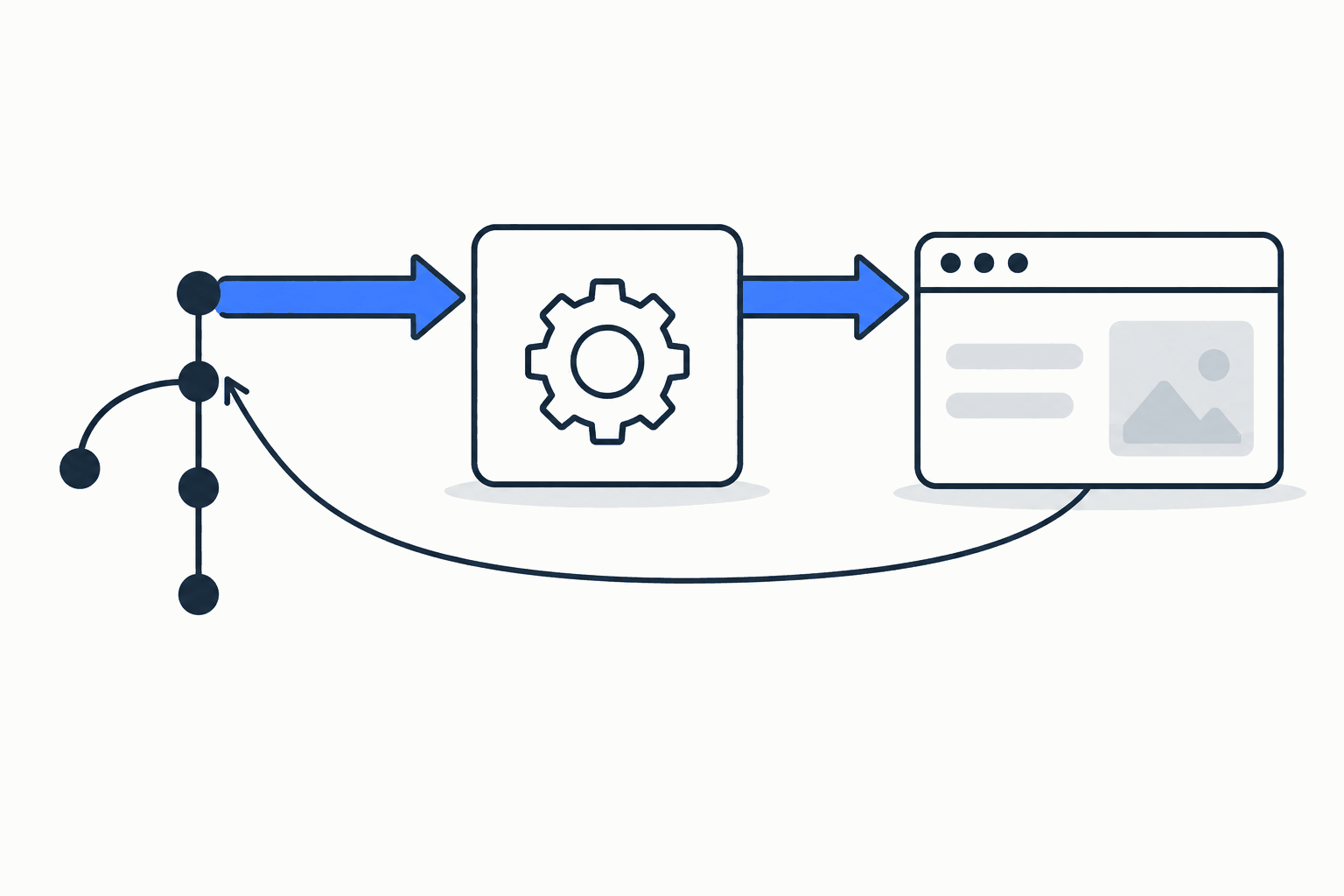
A staging site is hidden from search in more than one place: a layout default, the content settings, the robots file and a response header. On the site we run, opening the site to search took four separate changes. Miss one and the live site stays hidden.
Leads, analytics and privacy
Every form needs a destination, a confirmation and a fallback. Of the old site’s lead paths, only general contact needed a new form of our own. Service scheduling links out to each store’s scheduler, and inventory leads stay with the retail platform. The contact form posts to the group’s own backend, checks for bots before accepting a submission, sends the lead in the standard ADF lead email format, and shows a phone number if delivery fails.
Analytics should load only when a measurement ID is configured, and it must honor browser opt-out signals such as Global Privacy Control where state law requires it, as California and Colorado do. Treat its numbers as a floor, not a census. Publish the privacy policy before the switch, not after.
Build a cost worksheet
There is no honest single price for running your own site. It depends on traffic, hosting, the tools you keep and who does the work. Build a worksheet with these lines instead: domain and DNS, hosting and delivery, form handling and email delivery, analytics, each embedded tool you keep, developer time for routine changes, and time for incidents. Fill it with your own quotes and compare it with the bundle you are paying for now.
What should you verify before switching?
Run through this list on the new site before the site records move:
- Every content page renders its main text in the initial HTML.
- Each page has one clear title, a description and a canonical address on the production domain.
- The redirect rules return the expected status and destination for every traffic-bearing old URL.
- Mail flows: send and receive a test message through the new DNS.
- Forms deliver to the right inbox, and the failure path shows a phone number.
- The privacy policy and any required disclosures are published and linked from the footer.
- Analytics records a visit only under the conditions you configured.
Decide in writing which checks may trail the switch, and who closes each one. On the site we run, a few checks were allowed to follow the flip, and one of them, a live lead round trip into the CRM, was still recorded as open weeks later.
After the switch, submit the new sitemap and watch indexing for a few weeks. A search-console property that covers the whole domain still lists years of the provider’s old URLs, plus every subdomain, so filter the indexing report to the pages in your own sitemap before drawing conclusions. Some new pages sit as discovered but not yet indexed for a while. That is normal, and it is not a reason to change dates or resubmit every day. Old ownership traces linger too: the vendor’s verification records, a dead subdomain, an old analytics property still receiving vendor-tagged traffic. Retire them deliberately, one at a time.
Synthetic example. A fictional two-store group has twelve content pages and keeps inventory on a separate platform. Its responsibility map looks like this:
| Area | What it covers | Owner after the move |
|---|---|---|
| Domain and DNS | Registration, zone, mail and validation records | The dealership, with the zone export on file |
| Content site | Twelve pages, templates, deployments, rollback | The dealership’s developer |
| Inventory pages | Search and vehicle details | The existing inventory platform |
| Leads | Contact form, delivery, fallback number | The dealership, routed to its lead system |
| Search setup | Sitemap, canonicals, redirects, search accounts | The dealership’s developer |
Scrolls sideways on narrow screens.
Its redirect checklist is short: export the old sitemap and the top landing pages from analytics, list the variants that still receive visits, group the rules by section, test each group on the host, then request every source after launch.
When should you keep the existing arrangement?
Ownership is not always the right call. Keep the bundle if nobody can own the operations, if the content site is a handful of pages that rarely change, or if the provider’s contract makes the content site inseparable from tools you depend on. Franchise dealers should also check whether a manufacturer program ties co-op money to an approved site vendor before planning anything. A partial step is often wiser: take control of the domain and DNS first, keep a current zone export, and revisit the content site later.
Limits of this guide. It gives no migration or ranking timetable; search engines recrawl on their own schedule. It gives no invoice-backed operating cost, only the worksheet above. It does not describe any particular provider’s exit terms; read your own contract.
If you are weighing the move, bring three things to the conversation: who holds the domain and DNS today, a list of the URLs that carry traffic, and the embedded tools you want to keep.
Talk through your dealership website
Bring what you have and we will map the next step.
Let’s talk ↗